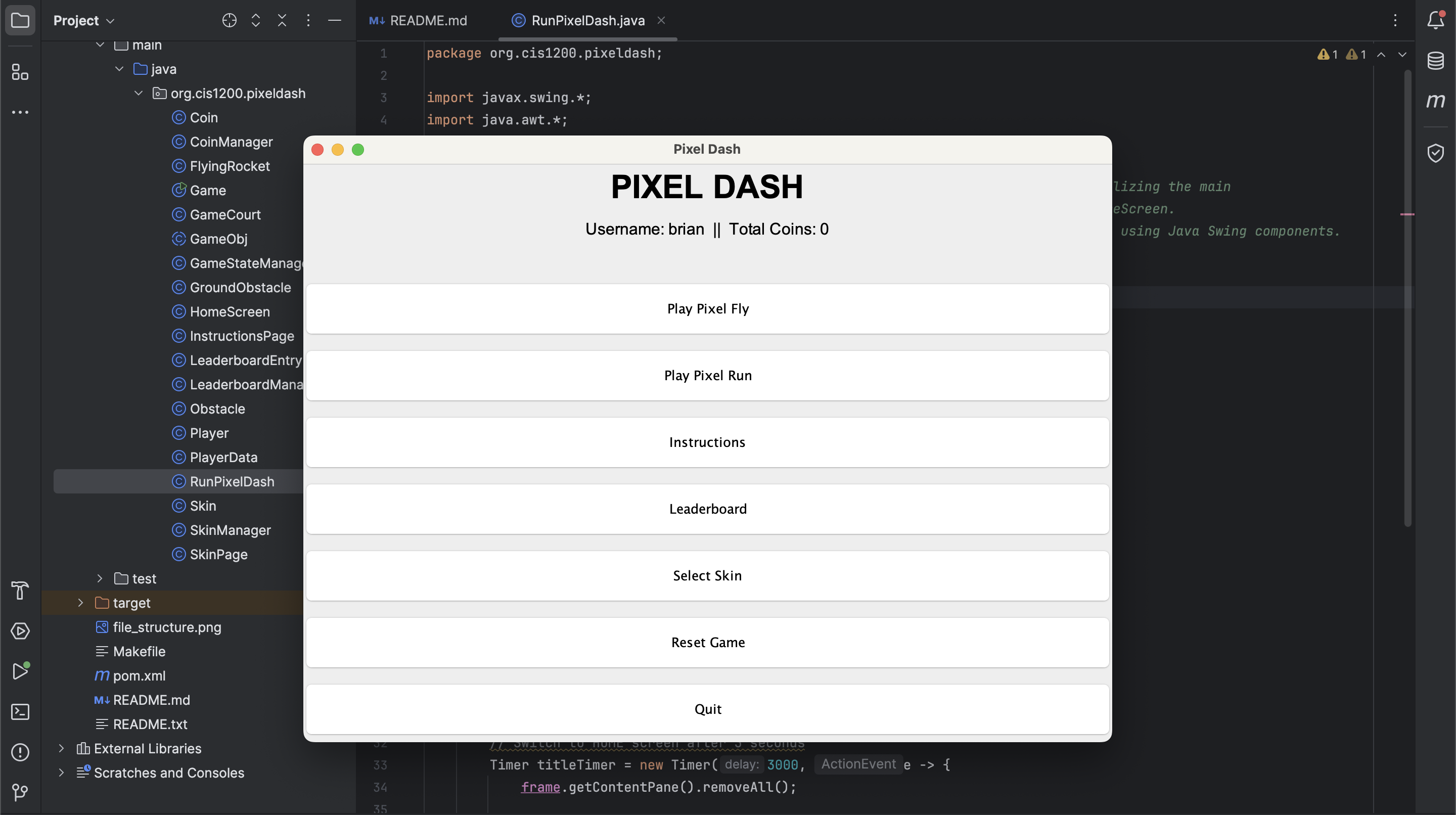
A side-scrolling endless runner in Java — collectible coins, customizable skins, dynamic obstacles, and JUnit-tested mechanics, built to deepen core software engineering fundamentals.
Pixel Dash is a side-scrolling endless runner game built in Java — the kind of game that's simple to play but surprisingly complex to build well. The goal wasn't to make the most visually impressive game possible; it was to apply specific computer science concepts in a context that made their value immediately tangible.
Games are unusually good vehicles for learning programming fundamentals. The immediate feedback loop — make a change, run the game, see if it works — keeps iteration fast. And the requirements of a game (state management, object interactions, persistence, testing) map cleanly onto the core concepts that matter in larger software systems.
Each feature of Pixel Dash was chosen to practice a specific programming concept:
GameObject class extended by Player, Obstacle, Coin, and Background. Shared behavior (rendering, update loop, bounding box) lives in the base class; specific behaviors are overridden in subclasses. This keeps the game loop simple — it just iterates over a list of GameObjects and calls update/render on each.
ArrayLists that grow and shrink dynamically during gameplay. Spawning logic adds new elements at the right scroll speed; collision detection removes them after interaction. Working with live, mutable collections in a performance-sensitive context required careful management of iteration order and concurrent modification.
The visual layer uses Java Swing for the game window and custom-drawn sprite sheets for the player character and obstacles. Animation is handled by cycling through sprite frames at a fixed frame rate, timed to the game loop.
Pixel Dash was one of the first projects where all the concepts from coursework — OOP, data structures, file systems, testing — had to work together simultaneously. In lecture, these feel like separate topics. In a running game, they're completely entangled: your data structure affects your collision performance, which affects your game loop timing, which affects your test design.
The project also reinforced that good software design shows up as ease of extension. Adding a new obstacle type took 10 minutes because the class hierarchy was set up correctly. Adding the skin system required no changes to the game loop because player rendering was properly encapsulated. That's what good object-oriented design feels like — not in theory, but in practice.